When we started designing the patient consent experience, we began with a question: who is the most disadvantaged user of the current consent process? The answer was clear. It is the patient with limited English proficiency, low health literacy, or a sensory impairment, being handed a multi-page English-language paper form in a clinical setting under time pressure.
If your consent process works well for a 55-year-old English-speaking professional who is comfortable reading clinical text, that is not evidence that your consent process works. It is evidence that it works for one demographic. Accessible, equitable consent requires designing for the patient who needs the most support.
Mobile-first, not mobile-compatible
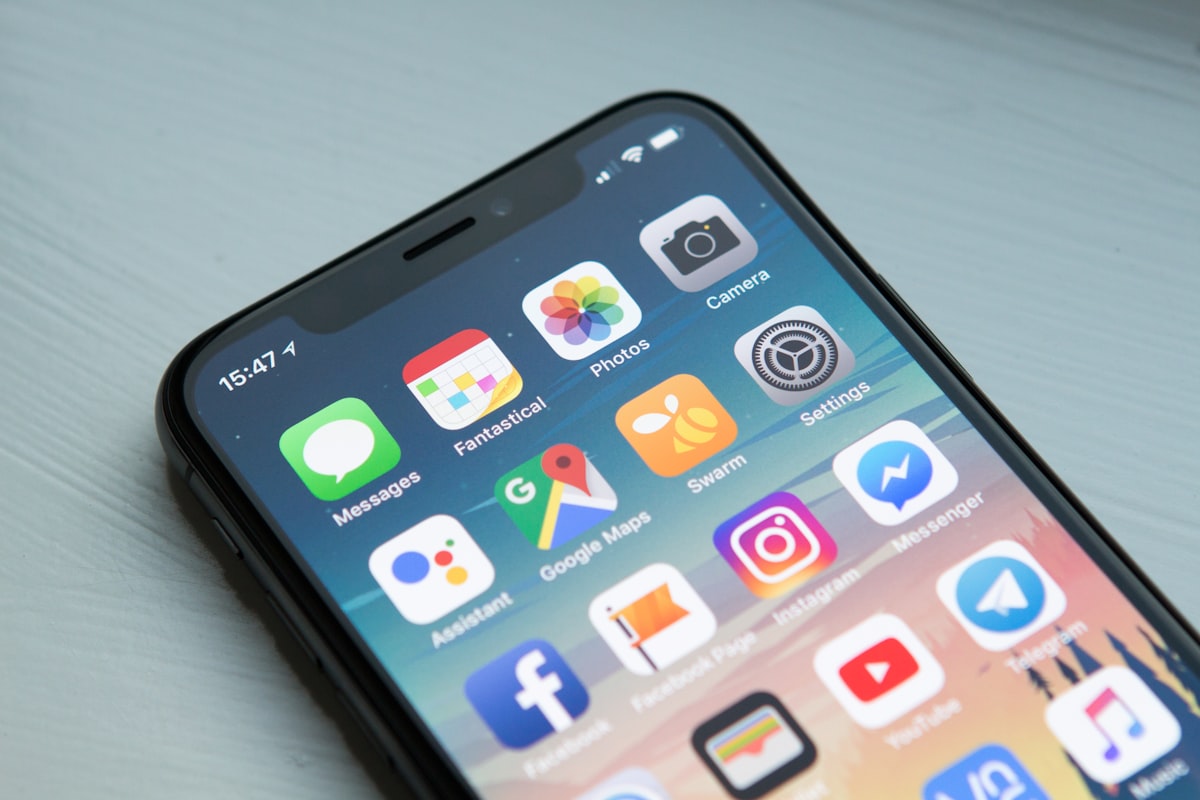
GetConsent is mobile-first by design. The patient receives a magic link via SMS or email and opens it on their phone. No app download. No login. No password. The consent experience is a web application optimised for mobile screens, touch interaction, and variable connection speeds.
We made this choice because the phone is the most accessible device most patients already own and understand. It is available before and after the clinical encounter. It supports text enlargement, screen readers, and language settings that patients have already configured for their needs.
Mobile-first also means the patient can complete consent at home, at their own pace, in their own environment. This removes the time pressure and unfamiliar setting that characterise in-clinic consent, two factors that research consistently identifies as barriers to genuine comprehension.
Twelve languages with audio read-aloud
Almost 60% of Australian adults lack the health literacy to effectively exercise choice or voice in healthcare decisions. For patients whose first language is not English, the challenge is compounded. A consent form that exists only in English is not equitable consent for a CALD population.
GetConsent supports 12 languages at launch, with clinical-grade translation reviewed by human translators with healthcare domain expertise. Every piece of consent content is available in audio format, so patients who are more comfortable listening than reading can access the same information.
Audio read-aloud is not an afterthought or an add-on. It is integrated into the core patient experience, available on every screen, in every language. For patients with low literacy, visual impairments, or simply a preference for audio consumption, this is the difference between accessible consent and a compliance checkbox.
WCAG 2.1 AA compliance
The GetConsent patient interface is built to WCAG 2.1 AA standards. This means sufficient colour contrast ratios, keyboard navigability, screen reader compatibility, text resizing support, and meaningful alt text for all non-decorative content.
We test with real assistive technologies, including VoiceOver on iOS, TalkBack on Android, and desktop screen readers, not just automated accessibility scanners. Automated tools catch structural issues. They do not catch the experience of using a screen reader to navigate a consent form with poorly labelled sections and missing landmarks.
Why we built all of this before launch
Accessibility is often treated as a phase-two feature. Build the product first, add accessibility later. We took the opposite approach. Every accessibility feature, from multi-language support and audio read-aloud to WCAG compliance and mobile-first design, was built into the platform from the first line of code.
The reason is simple. Consent that is not accessible is not consent. If a patient cannot understand the information because of a language barrier, a literacy challenge, or an interface that does not work with their assistive technology, then the consent process has failed its fundamental purpose. Accessibility is not a feature of informed consent. It is a prerequisite.
See GetConsent in action
Book a 30-minute demo configured for your specialty and workflow.
Request a demo